
Melbet Registration Bangladesh for New Users in 2026
Melbet Registration Bangladesh lets users aged 18 or older create a sports betting account through a browser or mobile app. Four methods support phone numbers, email addresses, linked social accounts, and one-click setup. Users select Bangladesh and BDT during signup, confirm their contact details, and save the login information. KYC verification connects the account to its owner and precedes the first withdrawal.
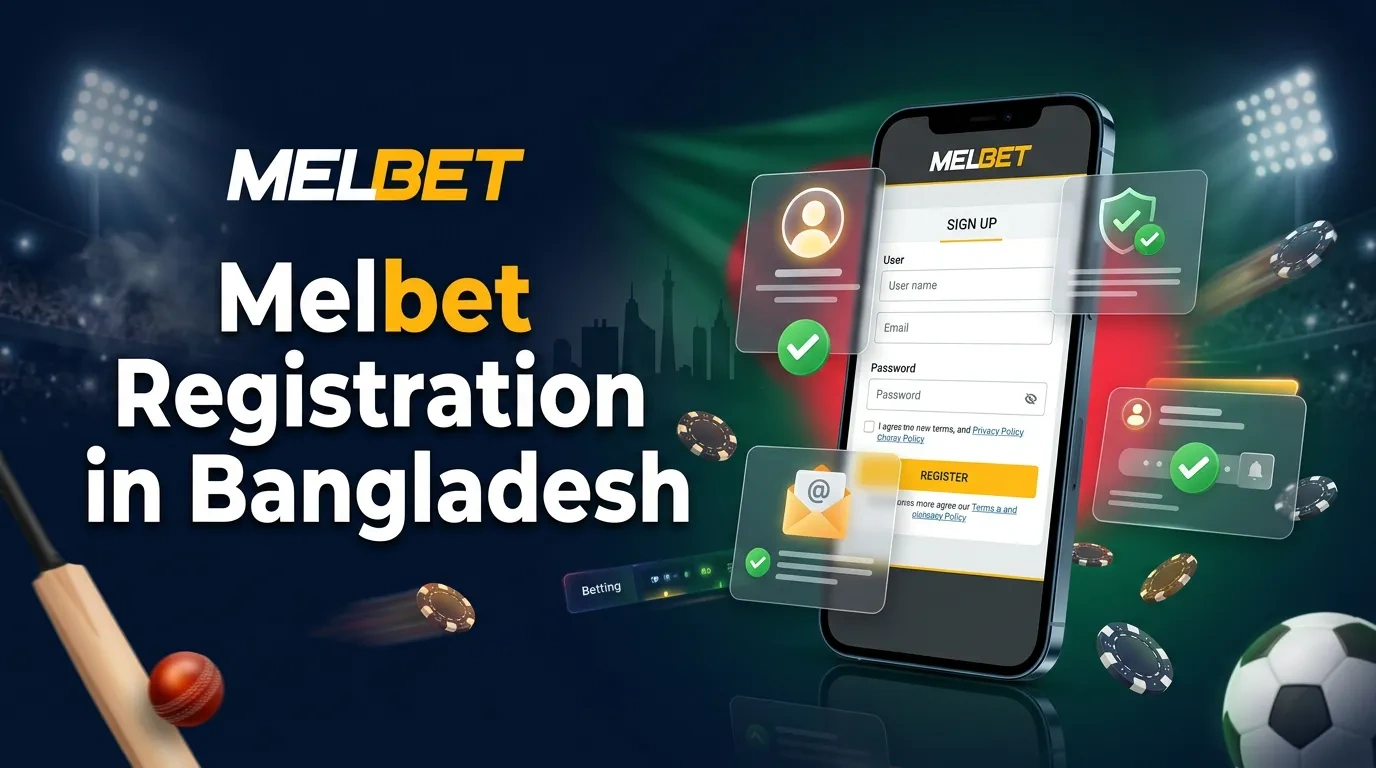
Registration Requirements
Account creation needs a stable internet connection and accurate personal data. Prepare the selected contact method and choose a device with access to SMS or email confirmation.
| Requirement | Details |
|---|---|
| Minimum age | 18 years |
| Country | Bangladesh |
| Account currency | BDT |
| Device | Computer, smartphone, or tablet |
| Connection | Mobile data or Wi-Fi |
| Contact | Active phone number or email |
| Password | At least 8 characters with letters and numbers |
| Verification documents | National ID card or passport, proof of address |
The name and birth date must match the identity document. Payment accounts should use the same name to reduce delays during KYC and withdrawals.
Available Signup Methods
Each registration method opens the same account functions. The main differences concern required data, confirmation, and login recovery.
| Method | Required Data | Confirmation | Main Detail |
|---|---|---|---|
| Phone | Bangladesh number with +880 | SMS code | Direct phone recovery |
| Active email and password | Email link or code | Direct email recovery | |
| Social account | Supported social login | Linked account approval | Uses existing account details |
| One-click | Country and currency | Generated login | Fast setup with saved credentials |
Phone and email registration give direct recovery options from the start. One-click setup takes less time, but users must save the generated login and password immediately.
Phone Registration
Phone signup links the betting account to an active Bangladesh number. Keep the phone nearby for the SMS confirmation code.
- 1Open registration. Select Register in the site or application header.
- 2Choose the method. Open the phone registration tab.
- 3Enter the number. Add the Bangladesh code +880 and the active mobile number.
- 4Request confirmation. Tap the SMS icon or confirmation button.
- 5Enter the code. Type the received digits in the confirmation field.
- 6Add personal data. Enter the requested name, birth date, and country.
- 7Set the currency. Choose BDT for deposits, bonuses, bets, and withdrawals.
- 8Create a password. Use letters and numbers without personal dates or simple sequences.
- 9Select the offer. Choose the available sports welcome bonus and enter XXXXX under its current terms.
- 10Finish signup. Read the T&C and confirm the account.
An incorrect country code blocks SMS delivery. Check +880, remove an extra zero from the local number format, and request a new code after the timer ends.
Email Registration
Email signup suits users who keep regular access to one inbox. A unique password protects the betting account from access through a compromised email.
- 1Open the form. Select Register and choose the email tab.
- 2Enter the address. Use an active email without typing errors.
- 3Create a password. Combine uppercase letters, lowercase letters, and numbers.
- 4Add personal data. Enter the required name, birth date, and Bangladesh location.
- 5Choose BDT. Set Bangladeshi taka for all account transactions.
- 6Select a bonus. Choose the sports offer and add XXXXX only under the displayed promo terms.
- 7Submit registration. Accept the T&C and finish the form.
- 8Confirm the email. Open the message and use the confirmation link or code.
Check the spam folder after a delayed message. Add the sender to trusted contacts and request another email through account settings after the confirmation timer ends.
One-Click Registration
One-click setup creates an account without a full contact form. The system generates login credentials, so secure storage of those details becomes the first priority.
- 1Open registration. Select the one-click tab.
- 2Set the country. Choose Bangladesh from the list.
- 3Select the currency. Choose BDT for account transactions.
- 4Pick the offer. Select a sports welcome bonus and add XXXXX under its T&C.
- 5Create the account. Tap Register and wait for the generated credentials.
- 6Save the details. Store the login and password in a protected password manager.
- 7Add a contact. Link a phone number or email through profile settings.
- 8Confirm the contact. Enter the SMS or email code.
Do not close the credential screen without saving the login and password. Recovery becomes harder without a linked phone number or email.
Registration in the Mobile App
Android and iOS users can create the same BDT account inside the application. The registration fields and confirmation steps match the browser version.
- 1Open the application. Tap Register on the first screen or account menu.
- 2Choose a method. Select phone, email, social account, or one-click setup.
- 3Enter the details. Complete every required field with accurate information.
- 4Select Bangladesh. Confirm the account country.
- 5Choose BDT. Set the currency for payments, bets, and bonuses.
- 6Select the offer. Add XXXXX only under the current welcome terms.
- 7Confirm signup. Use the SMS code, email link, or linked account approval.
- 8Save the account ID. Keep it with the registered contact and password.
One account works in the mobile app and desktop browser. Users enter the same registered contact and password on each device.
Identity Verification
KYC confirms the account owner and protects financial operations. Users submit identity and address documents through profile settings.
| Document Type | Accepted Document | Main Check |
|---|---|---|
| Identity | National ID card | Name, birth date, photograph |
| Identity | Passport | Name, birth date, expiry date |
| Address | Utility bill | Name, address, recent issue date |
| Address | Bank statement | Name, address, recent issue date |
Document images need readable text, visible corners, and natural colour. Cropped, blurred, expired, or edited files delay the check.
How to Submit Documents
Prepare the identity document and a recent proof of address. Use the account owner’s documents and match every profile field.
- 1Open profile settings. Select Verification or KYC.
- 2Choose a document type. Pick national ID card, passport, utility bill, or bank statement.
- 3Photograph the document. Use good light and include every corner.
- 4Upload both sides. Add the front and back of an ID card.
- 5Check the image. Confirm readable text and matching account data.
- 6Submit the files. Send the request through the verification section.
- 7Track the status. Read requests for another image or document.
Checks often finish within 24–48 hours. A different account name, outdated address paper, or unreadable image extends the processing time.
Login After Registration
Users can open the account through the site or mobile app. The login method depends on the contact or credentials selected during signup.
- 1Open the login form. Select Log In in the account header.
- 2Enter the identifier. Type the registered phone number, email, or generated account ID.
- 3Add the password. Match uppercase and lowercase characters accurately.
- 4Complete security checks. Enter the one-time code after a security request.
- 5Select Log In. Open the account and check the displayed name and balance.
Use password recovery after repeated login errors. Enter the registered phone number or email, follow the recovery message, and create a new unique password.
Welcome Bonus After Registration
Eligible new users can select a sports welcome bonus during signup. The promo field uses XXXXX, and current terms show the bonus rate, maximum amount, deposit requirement, rollover, and validity.
The separate promo offer provides a 130% first-deposit bonus up to ৳12,500 under its active T&C. Users select Bangladesh and BDT, enter XXXXX in the promo field, choose the sports offer, and make an eligible first deposit.
Bonus funds remain separate from the cash balance. Users complete the listed rollover and account requirements to move eligible winnings to the withdrawal balance.
Registration Problems
Most signup errors relate to contact data, confirmation codes, existing accounts, or connection quality. The message in the registration form identifies the failed field.
| Problem | Action |
|---|---|
| SMS code does not arrive | Check +880, the phone number, signal, and confirmation timer |
| Email does not arrive | Check spelling, spam folder, and mailbox storage |
| Contact already exists | Use account recovery instead of creating another account |
| Promo field rejects XXXXX | Remove spaces and check the active offer terms |
| Country or currency is wrong | Return to the form and select Bangladesh and BDT |
| Form stops loading | Change the connection, reload the page, and submit one request |
| Social login fails | Confirm access to the linked social account |
| One-click login is missing | Check saved credentials or contact account support |
Do not create repeated accounts to solve a contact error. Account recovery and support protect the existing profile, payment history, and verification status.
FAQ
How long does registration take?
Phone and email signup take several minutes. One-click and social registration need less time after fast contact or account confirmation.
Can users register through the mobile app?
Android and iOS applications include the same four signup methods. The registered account also works in a desktop browser.
Does registration require identity documents?
Basic signup needs personal and contact data. KYC documents become necessary for account verification and withdrawals.
Social Account Registration
Social signup uses login details from a supported social network or messenger. The selected external account must remain active for future access.
Add a phone number or email through profile settings after signup. A second contact method supports password recovery and account notifications.